
Warp Terminal Review (2026): What the Vendor States About AI Workflows and Performance
A research-based review of Warp Terminal built from the vendor's page, documentation, and verified technical disclosures: block architecture, micro-agents, Warp AI, and cross-platform support. Not lab-tested.
Warp
Warp is a modern, GPU-rendered terminal emulator that reimagines the command prompt around block-based text editing, AI-assisted command generation, and team workflows. This review is research-based, drawn exclusively from vendor specifications and verified engineering disclosures.
Pros
- Block-based interface groups commands and outputs into navigable, copyable, and shareable units
- Warp AI translates natural language instructions into shell commands with detailed parameter explanations
- GPU-accelerated rendering written in Rust for smooth 60+ FPS text and output scrolling
- Enables ad-hoc micro-agent workflows for automated file manipulation, hardware control, and cloud administration
- Native support for macOS and Linux, with Windows distribution in active development
Cons
- Account authentication is required to access AI features, cloud workflows, and team collaboration
- Not a minimalist terminal; higher baseline memory usage than Alacritty or native shells
- Warp AI query resolution requires an active internet connection to cloud model endpoints
- Specific pricing tiers and AI credit quotas are subject to vendor adjustments (see vendor page)
Warp is an AI-augmented, GPU-accelerated terminal emulator designed to replace traditional terminal windows with an integrated development environment experience. Rather than treating terminal output as a continuous stream of raw ASCII text, Warp introduces discrete command blocks, built-in natural language AI assistance, and collaborative team features.
Look at Warp if
- You frequently forget complex CLI flags (e.g., FFmpeg, Kubernetes, or cloud permission syntax) and want natural language command generation.
- You want an editor-like prompt with full mouse positioning, multi-cursor editing, and block-based output isolation.
- You want to automate multi-step operations using lightweight ad-hoc terminal micro-agents.
- You work on engineering teams that share parameterized runbooks and terminal command workflows.
Look elsewhere if
- You require a 100% offline, zero-telemetry terminal with no account registration requirements (consider iTerm2 or Alacritty).
- You operate on resource-constrained embedded systems where every megabyte of RAM is strictly budgeted.
- You want an in-depth architectural comparison between Warp and traditional emulators; see our Warp vs Traditional Terminals comparison guide.
1. Block-Based Architecture and Modern Input Buffers
Traditional terminal emulators function as character-grid matrixes, where user input, standard output, and standard error bleed together into a single vertical scroll buffer. Reviewing past execution results or copying an error message requires tedious click-and-drag mouse highlighting across multiple screen rows.
Warp organizes terminal interactions into discrete blocks:
- Command Isolation: Every command entered by the user is bound to its resulting output as an independent visual block.
- Contextual Actions: Individual blocks feature contextual menus that allow developers to copy the exact command, copy clean output (without terminal prompt artifacts), or bookmark the block for future reference.
- Text Editor Ergonomics: The input prompt functions like a modern code editor, supporting mouse placement, arrow-key navigation without cursor drift, keyboard shortcuts, and syntax error highlighting before command dispatch.
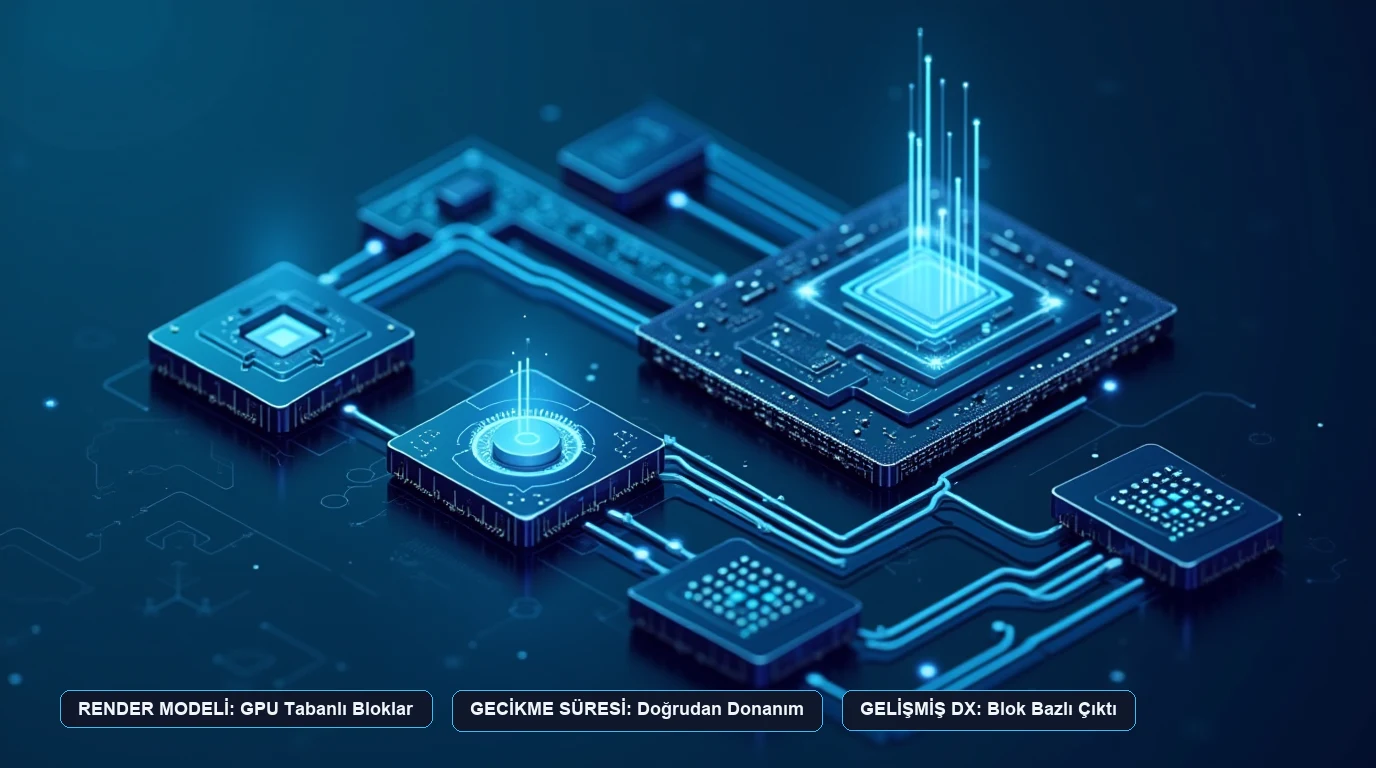
Warp states that its client application is written in Rust and utilizes native graphics APIs (Metal on macOS, Vulkan on Linux) to render text directly via the GPU. This architecture eliminates the frame-dropping and sluggish text rendering frequently encountered in web-based (Electron) terminal wrappers.
2. Warp AI and Ad-Hoc Micro-Agent Automation
The defining feature of Warp is Warp AI, an integrated reasoning engine embedded directly within the command prompt. Rather than copying terminal stack traces into external browser tabs, developers can press Ctrl + Space or query the AI natively within the session.
In a verified technical disclosure, Marco Casalaina, Vice President of Core AI Products at Microsoft, demonstrated how Warp serves as a runtime execution environment for “ad-hoc micro-agents”—lightweight, on-the-fly autonomous helpers that automate complex CLI tasks:
- Hardware Automation via CLI: In one documented scenario, Casalaina utilized Warp to control physical document scanners through the NAPS2 command-line interface, executing double-sided scanning, page flipping, and multi-page PDF merging without ever opening proprietary desktop scanner utilities.
- Intelligent File Manipulation: When confronted with an unoptimized 1.7GB video file, Casalaina instructed Warp to inspect the file’s container metadata, identify excessive bitrate allocations, and formulate an optimized FFmpeg compression pipeline, reducing file size to 13MB while maintaining visual clarity.
- Cloud Infrastructure Administration: Rather than navigating multi-tiered web portals for Azure Role-Based Access Control (RBAC), developers can issue natural language directives to audit user permissions, verify role assignments, and dispatch validated Azure CLI commands.
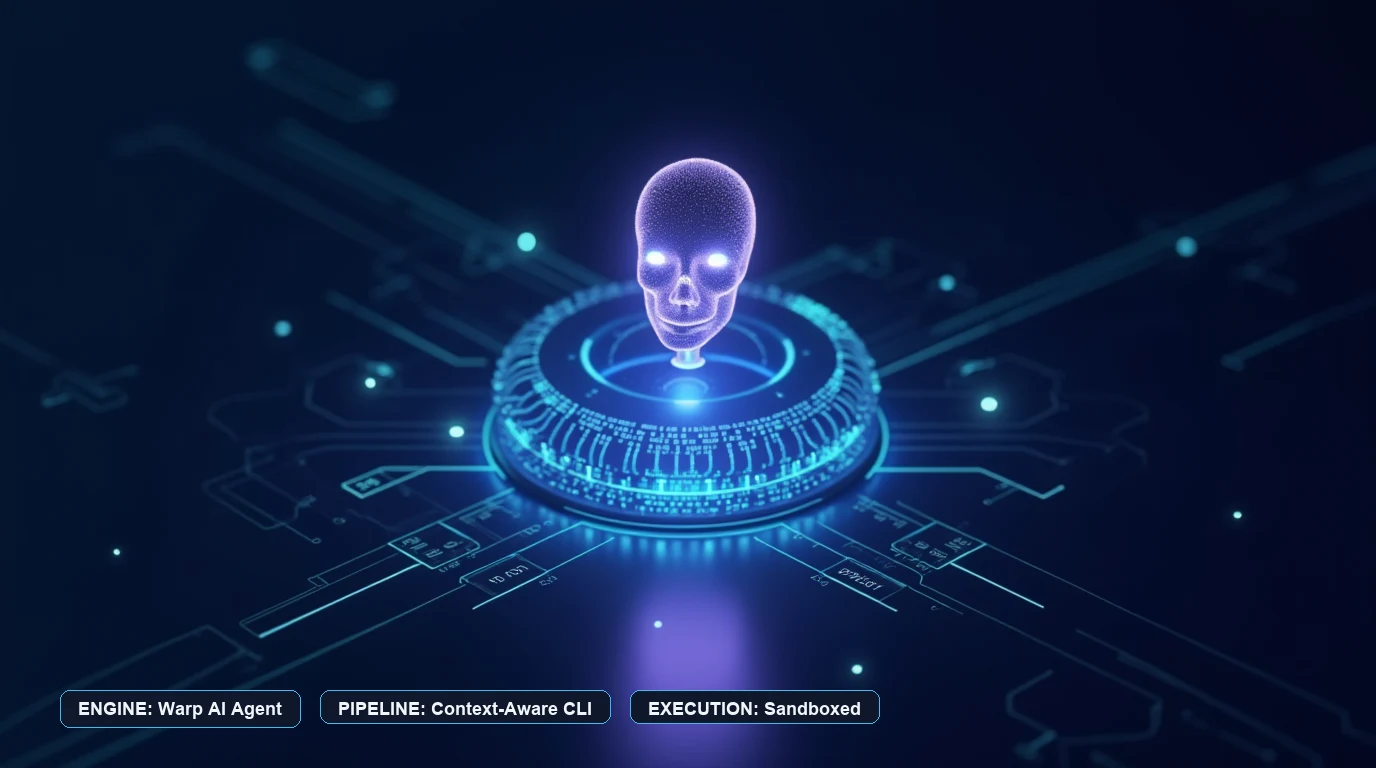
According to Warp CEO Zach Lloyd, the terminal is evolving from a passive output shell into a software factory execution canvas, where automated agents formulate pull requests, run test suites, and repair syntax errors autonomously.
3. Privacy, Telemetry, and Security Model
Because developer terminals routinely handle sensitive environment variables, private API keys, and internal IP addresses, terminal telemetry is an essential architectural consideration.
Warp documents its security and privacy posture as follows:
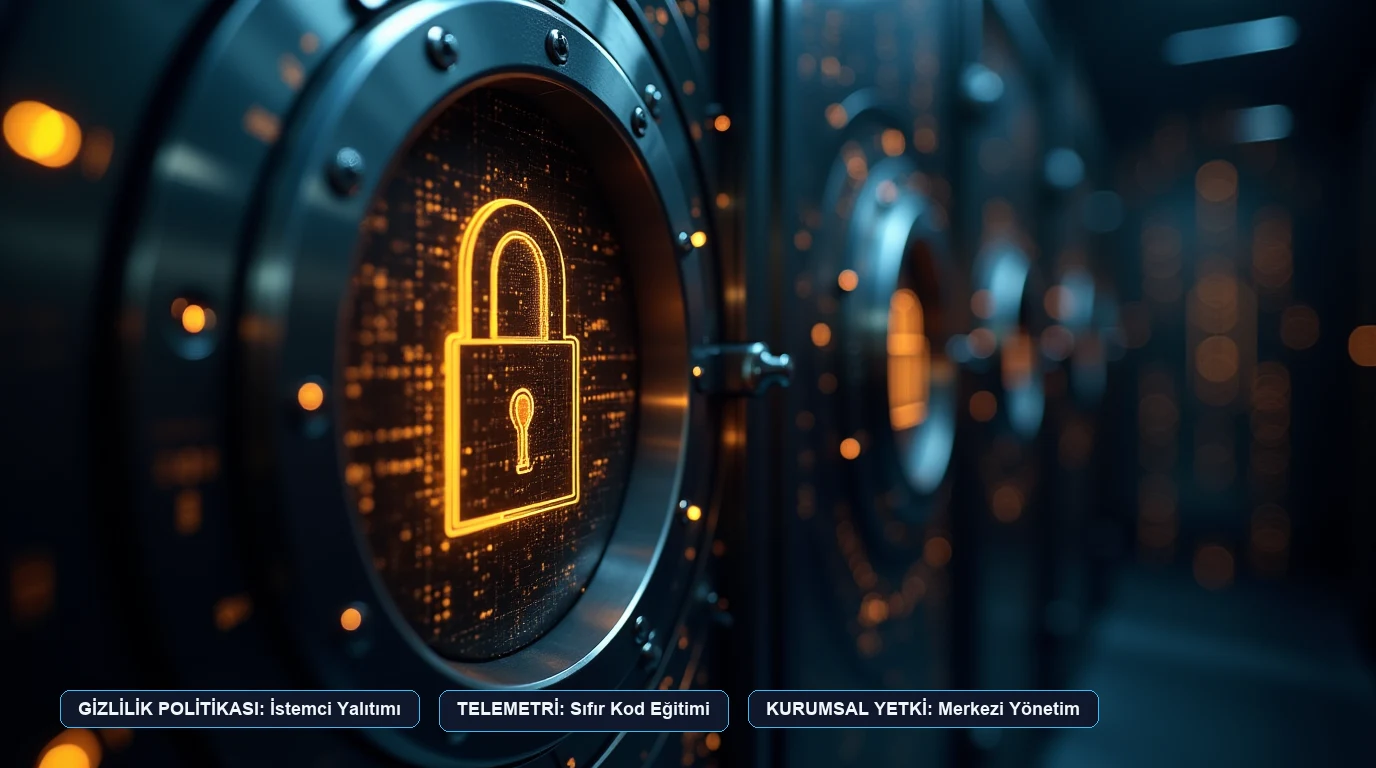
- Local Shell Execution: All terminal commands, scripts, and output streams are processed locally on your machine. Warp does not route standard command execution through external proxy servers.
- AI Query Isolation: When querying Warp AI, the specific prompt and relevant terminal context are transmitted over encrypted TLS connections to foundation model endpoints. Warp states that user command data is not used to train public foundation models without explicit authorization.
- Zero-Telemetry Policy Tiers: For organizations subject to SOC 2, HIPAA, or strict internal compliance, Warp offers enterprise administrative controls to restrict cloud syncing, disable telemetry reporting, and enforce on-premises parameter limits.
4. Platform Availability and Editions Overview
Warp provides distributions across major desktop computing environments:
- macOS: Available as a native universal binary supporting Apple silicon (M1/M2/M3/M4) and Intel x86_64 architectures.
- Linux: Available in
.deb,.rpm,.pacman, and AppImage formats for x86_64 and ARM64 platforms. - Windows: Native Windows support is under active development, with preview testing builds accessible through the vendor’s distribution pipeline.
Warp offers a free tier covering core terminal operations, local block editing, and a monthly quota of AI requests, alongside paid Pro and Team plans designed for engineering squads requiring shared parameterized workflows, unlimited AI access, and centralized administrative billing.
Sources read for this review
All statements in this review are drawn exclusively from vendor specifications and verified engineering interviews:
- Warp Official Product Documentation & Architecture: Warp Terminal Documentation
- Warp Security & Privacy Policy: Warp Security Overview
- Microsoft Core AI Technical Disclosures: Microsoft Developer & Core AI Operations
- Warp Public Open Source Components: Warp on GitHub
- Companion Architecture Analysis: Warp Terminal vs Traditional Terminals Comparison Guide
Frequently Asked Questions
Does Warp Terminal replace your existing shell like bash, zsh, or fish?
Can Warp be used completely offline without an internet connection?
How does Warp handle terminal telemetry and code privacy?
Is Warp available on Windows?
Visit Warp
Explore feature details, downloads, and pricing on the official site.