Warp Terminal vs Traditional Terminals 2026: Architecture, AI Workflows, and Performance
A research-based comparison of Warp Terminal against traditional emulators like iTerm2 and native shells. Block-based architecture, GPU rendering, AI agent workflows, and telemetry privacy models examined.
The terminal emulator has remained one of the most resilient software interfaces in computer science, largely unchanged since the era of hardware teleprinters. For decades, developers relied on standard terminal emulators such as macOS Terminal, iTerm2, Alacritty, or Windows Terminal to execute command-line instructions as unstructured streams of ASCII characters.
In 2026, the rise of cloud-native infrastructure, high-throughput microservices, and AI-assisted engineering agents has spurred a new category of developer tooling: modern, AI-augmented, GPU-rendered terminals. Among these, Warp Terminal has emerged as a prominent alternative to traditional emulators, rethinking the command prompt as an integrated development environment with block-based input buffers, collaborative team workflows, and built-in AI reasoning engines.
This guide provides a research-based architectural comparison between Warp Terminal and traditional terminal emulators (focusing on iTerm2 and standard UNIX terminal environments), examining their rendering engines, AI automation models, and data privacy frameworks based on vendor documentation.
How this comparison was made
- This is a research-based comparison, not a lab test. We did not run synthetic micro-benchmarks or measure frame rendering latencies across physical display servers, so there are no speculative performance scores here.
- Every factual claim comes directly from the vendors' official documentation, product architecture whitepapers, and public engineering specifications, as read in October 2026. Where a vendor does not state a metric or capability, we write "not stated".
- We do not publish prices. Subscription plans, seat tiers, and team collaboration add-ons change over time and differ by region. Each section links to the vendor's page so you can inspect current commercial terms directly.
Quick answers
Which tool fits which workflow
- Block-based navigation and integrated AI: Warp states it structures terminal interactions into discrete command and output blocks, providing text editor ergonomics, command search, and natural language translation directly within the prompt.
- Time-tested open-source customization: iTerm2 provides deep UNIX configuration flexibility, decades of community scripting integrations, and full offline operation without telemetry or account requirements.
- Minimalist, latency-sensitive workflows: Native shell emulators (such as Alacritty or kitty) emphasize bare-metal keyboard focus, direct terminal escape sequence handling, and zero cloud synchronization overhead.
Key limitations to consider
- Account requirement for advanced features: Warp states that cloud history, team drive workflows, and Warp AI access require an authenticated account.
- Cross-platform availability: While iTerm2 is exclusive to macOS and native shells run universally, Warp supports macOS and Linux natively, with native Windows support listed as under development.
- TUI and curses compatibility: Traditional terminal emulators process complex terminal user interfaces (TUIs like vim or htop) natively in raw mode, whereas modern block-based wrappers require specific pass-through modes for full-screen cursor addressing.
1. Architectural Foundation: Block-Based Text Buffer vs Continuous Character Stream
The most fundamental distinction between Warp and traditional terminal emulators lies in their memory models and text buffer representations.
Traditional Terminal Emulators (iTerm2, macOS Terminal)
Traditional terminals represent the display as a continuous grid of character cells (typically 80 or 120 columns wide by 24 or more rows high). When a command is executed, output streams sequentially into the scrollback buffer. If a command prints thousands of lines of log data, the boundary between where the command was typed and where its output terminates is lost in the raw stream. Selecting text requires dragging across arbitrary screen coordinates, and searching past commands involves parsing unstructured escape sequences.
Warp’s Block-Based Architecture
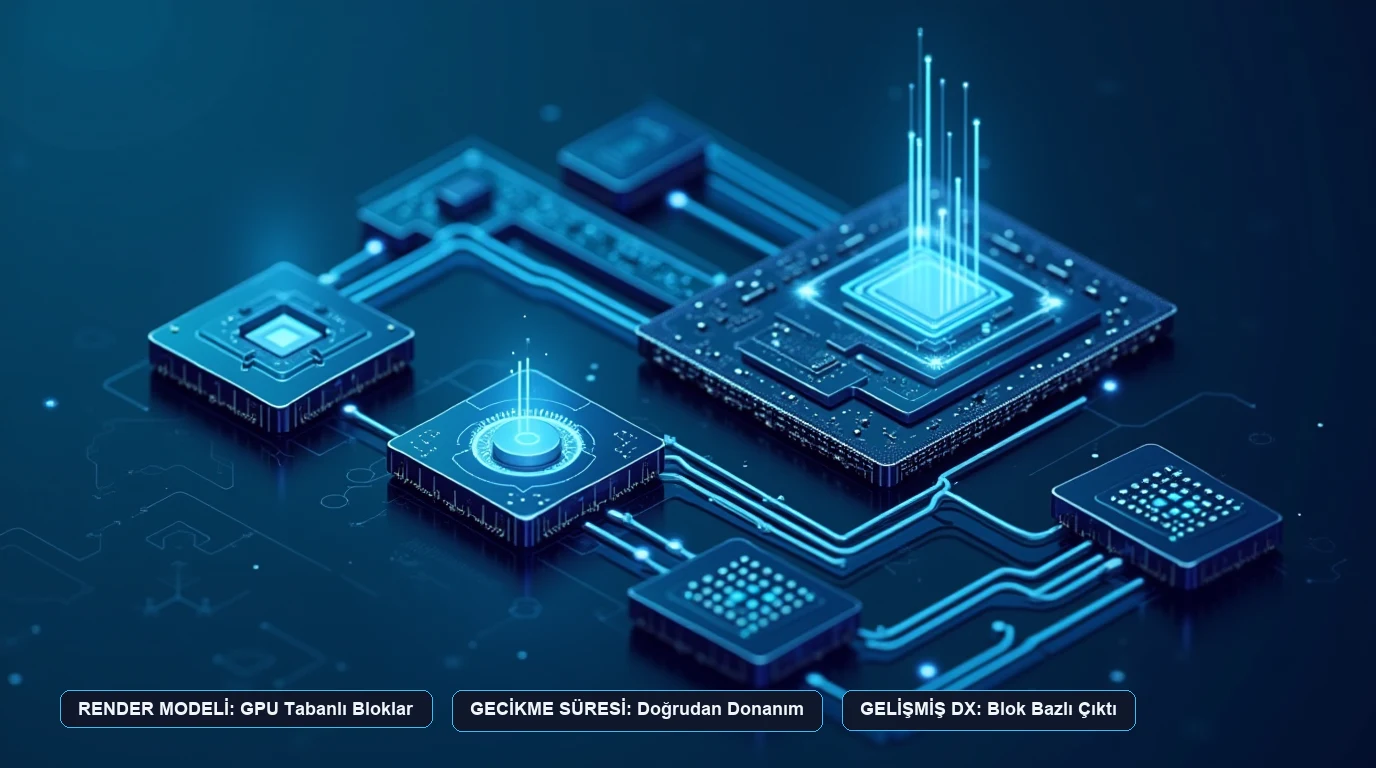
Warp states that it replaces the traditional 2D grid with discrete, self-contained Blocks. Every command entered is grouped with its exact output, return status code, execution timestamp, and working directory into an isolated container:
- Full Text Editor Input: Instead of treating the command prompt as a character line where cursor movement requires cumbersome shell escape shortcuts, the input area functions like a modern code editor with mouse cursor placement, multi-cursor editing, and automatic syntax highlighting.
- Independent Block Operations: A developer can copy the exact output of a failed build, bookmark a specific command sequence, or share a permalink to an output block with team members without capturing extraneous scrollback noise.
- Hardware-Accelerated Rendering: Warp documentation states that the terminal interface is built in Rust and rendered directly on the GPU using Apple Metal on macOS and Vulkan on Linux, designed to sustain 60 to 120 frames per second during heavy output bursts.
2. Integrated AI Assistance and Autonomous Command Workflows
Artificial intelligence has evolved from an external chatbot tab into an ambient layer embedded within developer runtime environments.
Warp AI Capabilities
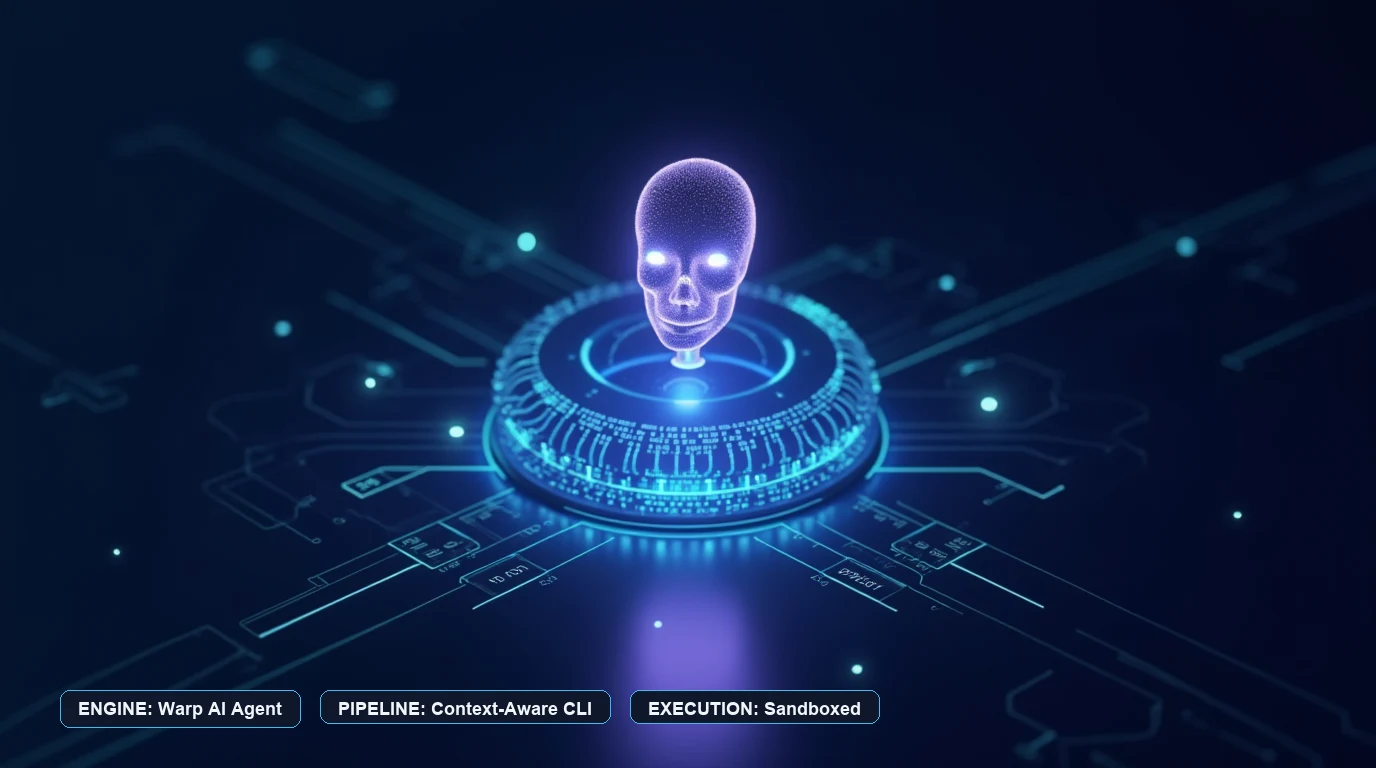
Warp states that its integrated AI assistant provides three operational capabilities:
- Natural Language to CLI Command Translation: Developers can type a query in conversational English (for example, “find all docker volumes older than 7 days and prune them”) and Warp AI generates the exact command sequence with parameter explanations before execution.
- Context-Aware Error Debugging: When a command exits with a non-zero exit code (such as a missing Python dependency or an invalid git rebase state), developers can click an integrated diagnostic button. The assistant inspects the error block and suggests remedial commands.
- Warp Drive Workflows: Teams can save parameterized shell scripts and shared runbooks into a collaborative cloud repository accessible directly from the terminal via keyboard shortcut. Developers exploring collaborative runbooks can inspect Warp’s official documentation for configuration syntax and team sharing parameters.
Traditional Shell Workflows
Traditional emulators like iTerm2 do not include proprietary cloud AI reasoning engines natively embedded into their prompt buffers. Instead, developers using traditional terminals connect to external command-line agents (such as Anthropic Claude Code, GitHub Copilot CLI, or custom Ollama scripts) that run as independent processes within the shell session. This preserves complete vendor independence and allows developers to swap underlying language models freely without platform lock-in. For engineering teams evaluating telemetry tracing and automated testing across these multi-agent pipelines, see our architectural guide to LLM evaluation and observability platforms.
3. Telemetry, Data Privacy, and Enterprise Security Models
Because the terminal frequently handles sensitive production credentials, SSH keys, database connection strings, and proprietary source code, the privacy architecture of any terminal tool requires rigorous inspection.
Warp Privacy Model
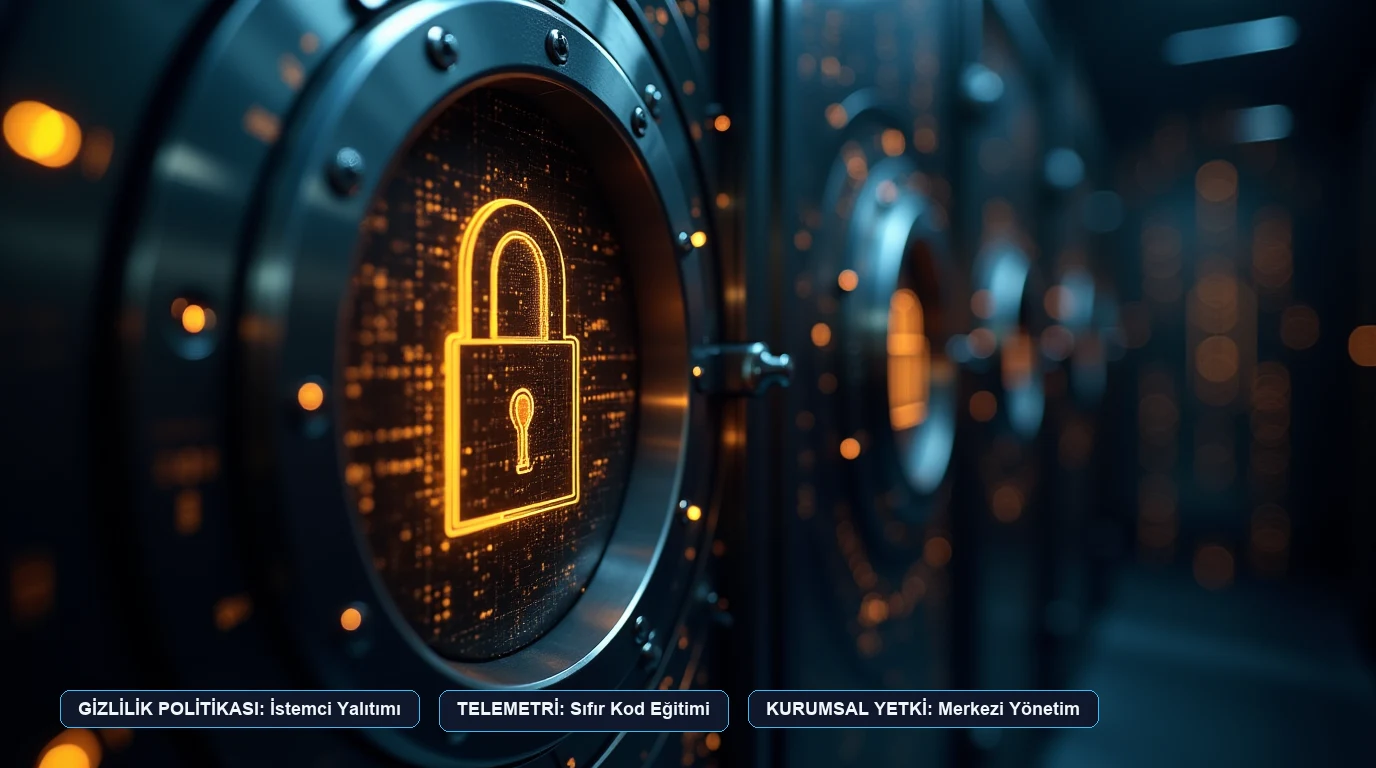
Warp’s official privacy and security documentation states:
- Local Command Execution: Terminal commands run locally on your host machine against your local shell. Command text and terminal output are not transmitted to Warp servers during normal execution.
- AI Query Isolation: When a user explicitly triggers Warp AI, the input prompt and relevant error context are routed through cloud API providers to generate the response. Warp states that customer data is not used to train third-party foundation models.
- Enterprise Controls: The vendor provides administrative controls for organizations to disable AI features globally, restrict cloud-synchronized workflows, and mandate Single Sign-On (SSO).
iTerm2 Privacy Model
As an open-source project hosted on GitHub, iTerm2 contains zero cloud synchronization servers, zero telemetry trackers, and zero required user accounts. All configuration files and shell history remain entirely local to the user’s filesystem, satisfying environments governed by air-gapped or classified security mandates.
4. Feature and Architectural Comparison
The following table summarizes the technical specifications stated by each vendor:
| Architectural Dimension | Warp Terminal | iTerm2 | Native Shell Emulators (Alacritty / Terminal) |
|---|---|---|---|
| Input Buffer Model | Discrete block-based editor | Continuous 2D character grid | Continuous 2D character grid |
| Rendering Engine | GPU-accelerated (Metal / Vulkan via Rust) | GPU-accelerated (Metal on macOS) | OpenGL / Metal GPU acceleration |
| Native AI Integration | Built-in conversational AI and error debugging | None (requires external CLI tools) | None (requires external CLI tools) |
| Operating Systems | macOS, Linux (Windows in active development) | macOS exclusive | Cross-platform (Windows, macOS, Linux) |
| Account Requirement | Required for cloud, team, and AI features | No account needed | No account needed |
| Collaborative Workflows | Shared team runbooks and permalinked blocks | Local profile export / dotfiles | Local dotfiles |
| Pricing Model | Free tier available; paid team & enterprise tiers | Free and open-source (GPLv2) | Free and open-source |
| Full Offline Operation | Supported for local shell execution | 100% offline by design | 100% offline by design |
5. Which One Fits Your Workflow?
| If your daily engineering workflow involves… | Consider… | Because… |
|---|---|---|
| Complex shell commands and team runbooks | Warp Terminal | Block navigation, natural language command translation, and shared team workflows reduce context-switching and onboarding overhead. |
| Deep macOS customization and zero cloud dependencies | iTerm2 | Decades of stable open-source evolution, robust tmux integration, and zero network telemetry provide total predictability. |
| Air-gapped enterprise environments or strict compliance | iTerm2 or Native Shells | No user account is required and no remote API communication occurs during terminal operation. |
| Minimalist keyboard-only navigation without GUI chrome | Native Shells (Alacritty / kitty) | Extremely low memory footprints and dedicated focus on pure keyboard interaction. |
For developers and engineering organizations evaluating team subscription tiers, seat licensing, and enterprise security management, see the current specifications directly on Warp’s official pricing page.
Frequently asked questions
Does Warp Terminal replace my existing shell?
No. Warp acts as an interface emulator that wraps your local shell (such as zsh, bash, or fish), preserving your environment variables, dotfiles, and installed CLI binaries.
Can Warp be used completely offline?
Warp documentation states that local command execution and terminal navigation function offline. However, cloud-dependent features—including Warp AI, collaborative team drives, and cross-device sync—require active internet connectivity.
How does GPU rendering benefit terminal performance?
Traditional CPU-rendered terminals can stutter or drop frames when processing massive streams of continuous text (such as verbose build logs). GPU-accelerated pipelines offload text glyph rasterization to dedicated graphics hardware, maintaining responsive frame rates.
What are the main trade-offs of using Warp over traditional terminals?
Warp introduces a graphical, block-centric user experience that differs from traditional UNIX terminal behavior. Developers accustomed to strict terminal line streams or those working in air-gapped environments that prohibit telemetry may prefer open-source alternatives like iTerm2.
Disclosure
UtilRank is reader-supported. When you purchase through links on our site, we may earn an affiliate commission. For full details on our editorial standards and commercial partnerships, read our disclosure policy.
Sources and verification
Every factual claim in this guide was verified against official documentation, engineering specifications, and technical whitepapers as read in October 2026:
- Warp Documentation: Product features, block architecture, and security policies read on warp.dev in October 2026.
- iTerm2 Project Documentation: Feature specifications, Metal rendering, and licensing terms read on iterm2.com in October 2026.
- Wikipedia: Technical history of terminal emulators and POSIX pseudoterminal architectures read on wikipedia.org in October 2026.
- GitHub Repository Data: Open-source repository metrics for iTerm2 read on github.com in October 2026.
Looking for in-depth evaluations of the tools mentioned in this guide? Check out our hands-on reviews: